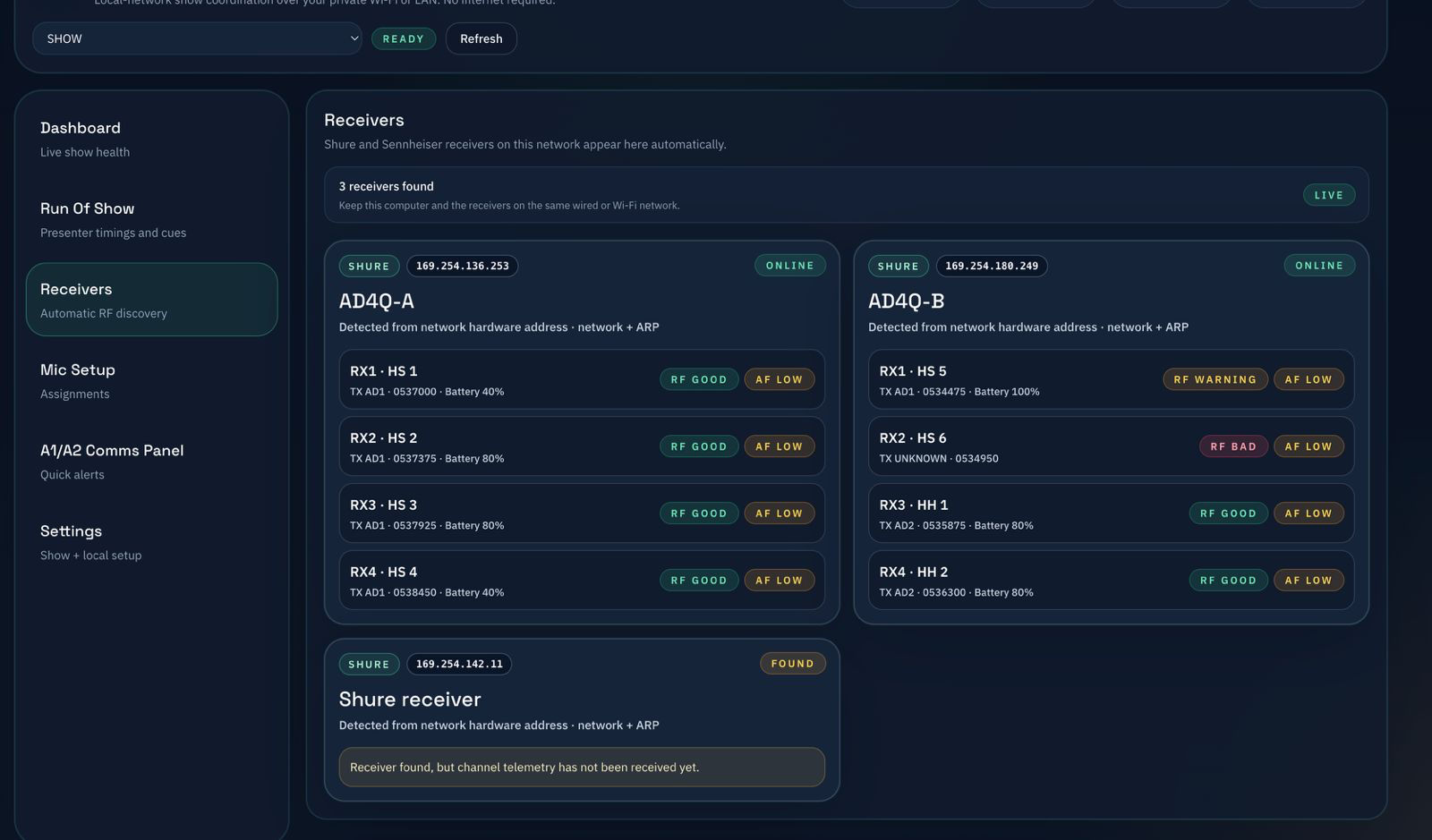
RF discovery and live status
Monitor receiver presence, signal health, and device state with a clear, low-latency view that stays readable under pressure.
 CueMic Host
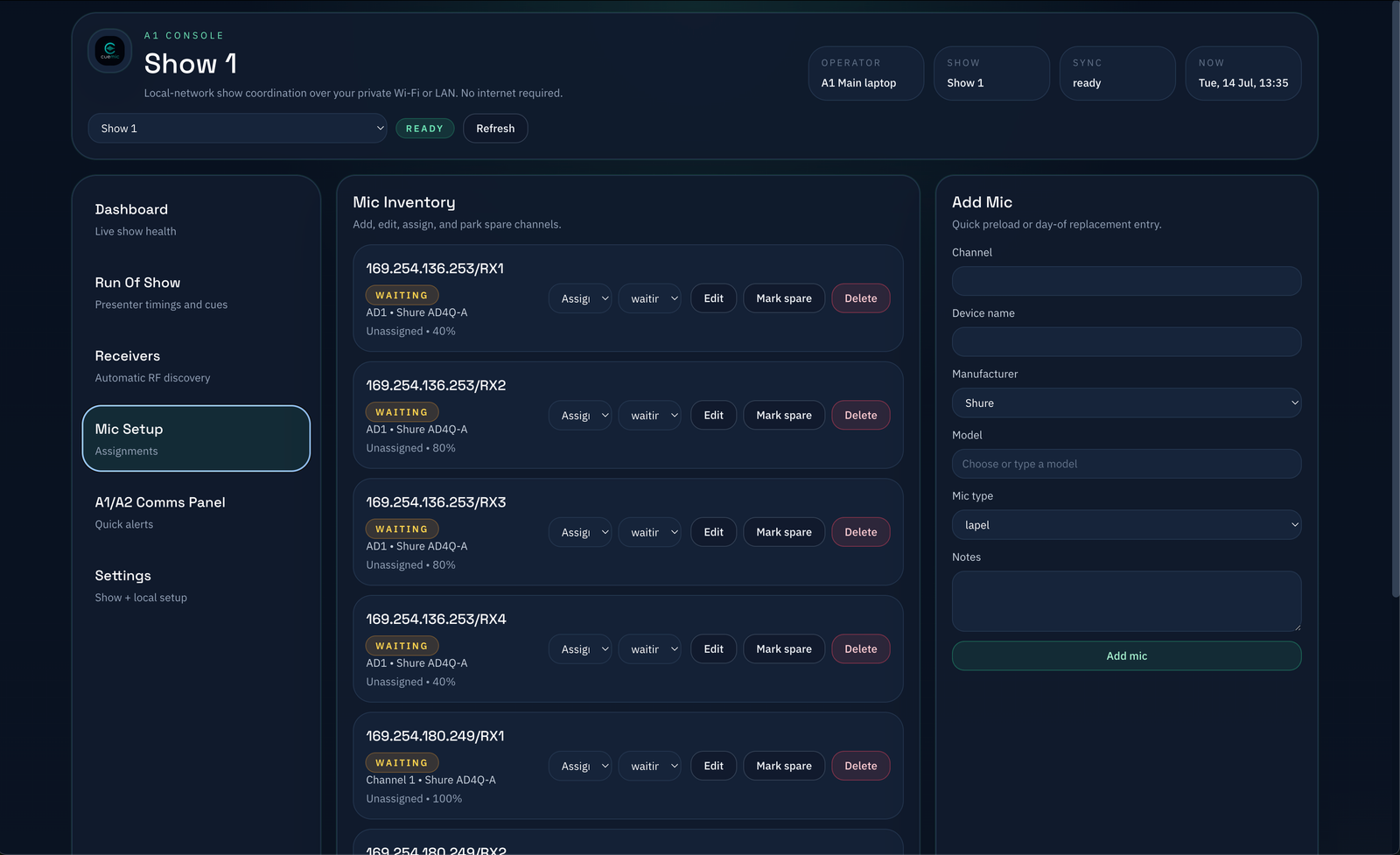
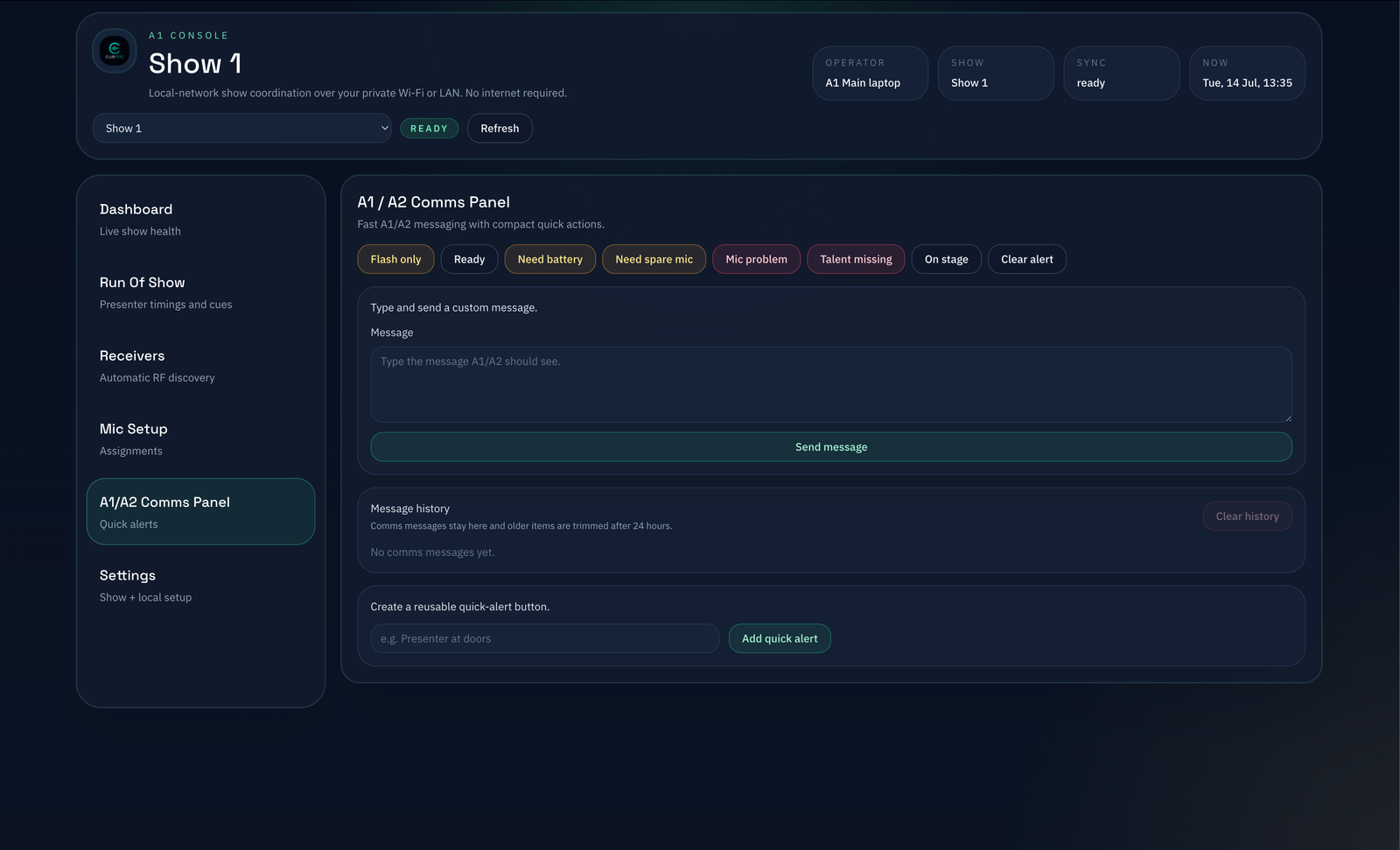
CueMic Host is a local-first control surface for A1 and A2 teams. It keeps RF status, assignments, presenter timing, and live alerts coordinated over a private LAN without depending on the internet.
macOS desktop install · private network only · no internet required once running
Monitor receiver presence, signal health, and device state with a clear, low-latency view that stays readable under pressure.
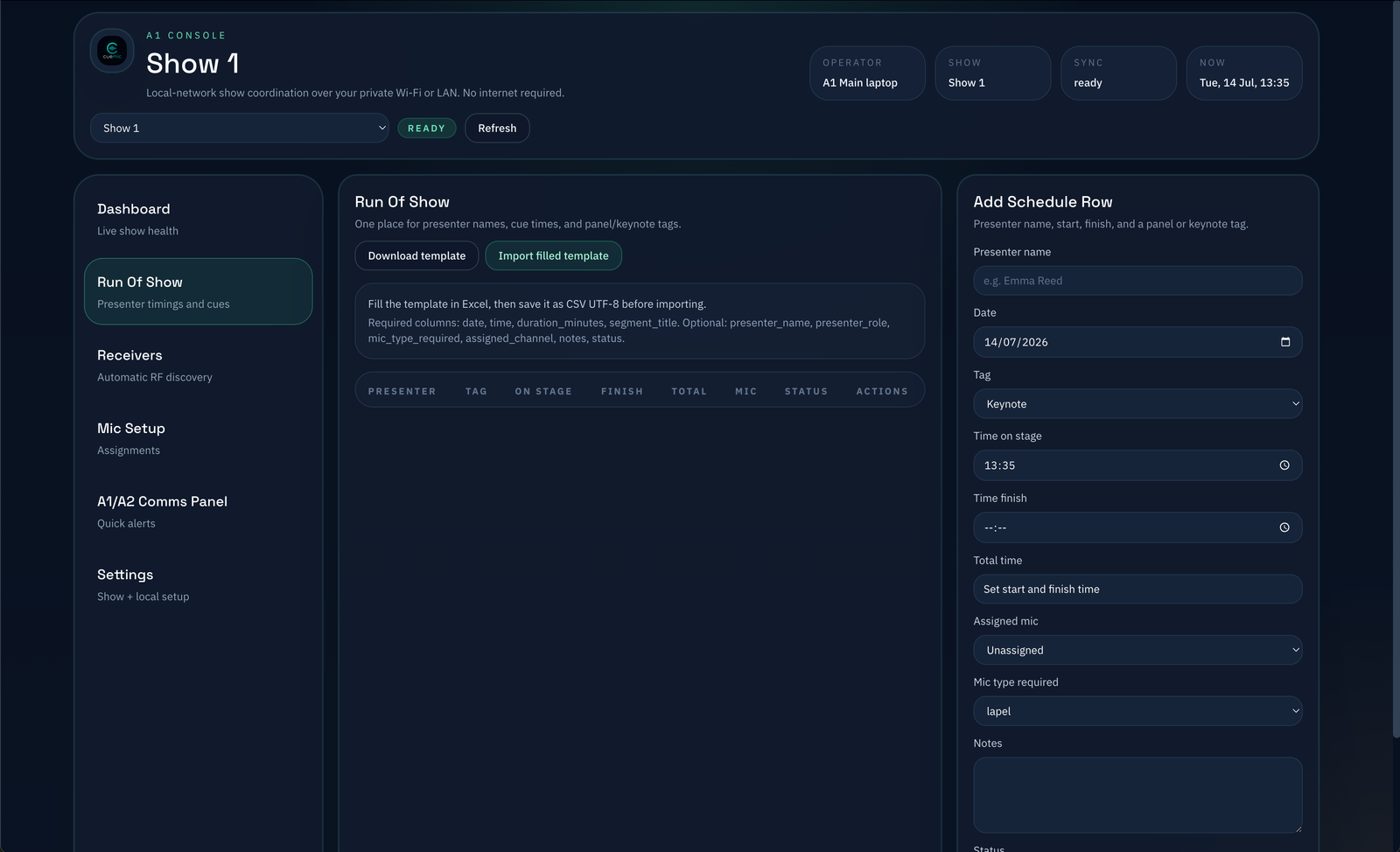
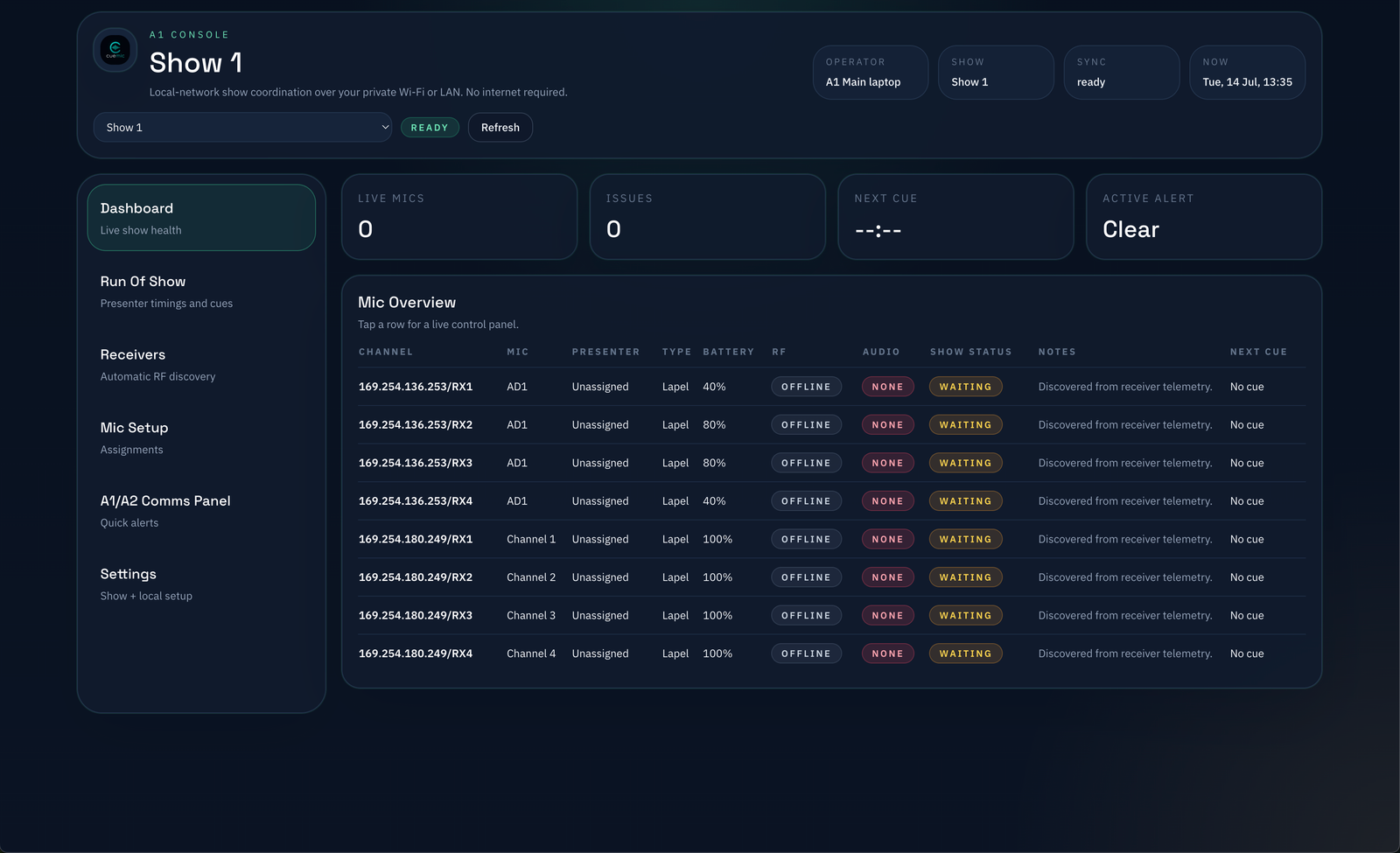
Keep track of active microphones, handoffs, and assigned presenters without losing the show flow.
Stay aligned on who is on air, what cue is active, and which timing window is live.
Route live alerts, callouts, and operational notices to the crew from one control surface.
Client devices join over the same private Wi‑Fi or LAN, and the app keeps working without internet once the session is live.
For now, join the waiting list to be notified when CueMic Host becomes available for Windows.